

Make your song visual
Karaoke
Video Maker
Turn a song or instrumental track into a sing-along video. Import supported timed lyrics or add lyrics in Studio, adjust word timing against the waveform, then preview and export a watermark-free 1080p MP4.
Checking your local draft…
- No watermark
- In your browser
- 1080p MP4

A few ways to bring lyrics to life
Different songs.
Different moods.
See the difference between two-line karaoke and a bold single-line style. Both examples are rendered in Melsona Studio with timed demo lyrics.

Classic Karaoke
Two lines, with timed word-by-word highlighting.

Modern Karaoke
One bold line, with the active words in focus.
Real Studio renders · demo lyrics and demonstration backgrounds, not customer submissions.
The creative workspace
Make every
detail yours.
Fine-tune lyric timing, adjust typography, choose a background, and preview the result in one focused workspace.
Explore the Studio- Import LRC, SRT, VTT, or supported JSON lyrics.
- Edit lines and word timing against the waveform.
- Adjust fonts, color, placement, and backgrounds.
- Preview before local 1080p MP4 export.

More than karaoke
Give your lyrics
a visual style.
Keep the original vocals and put the words in the frame. Choose a background, set the typography, and shape each line around the song.
Explore Lyric Video Maker
Simple by design
How to Make a Karaoke Video
From your song to a video, with control over the details.
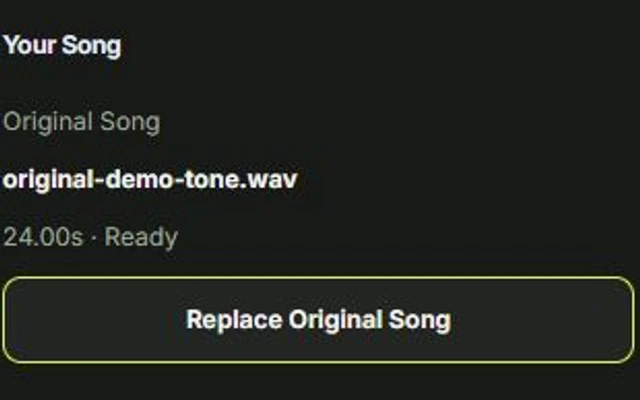
Add Your Song
Upload an audio file you have permission to use. For a classic sing-along mix without lead vocals, start with an instrumental or backing track.
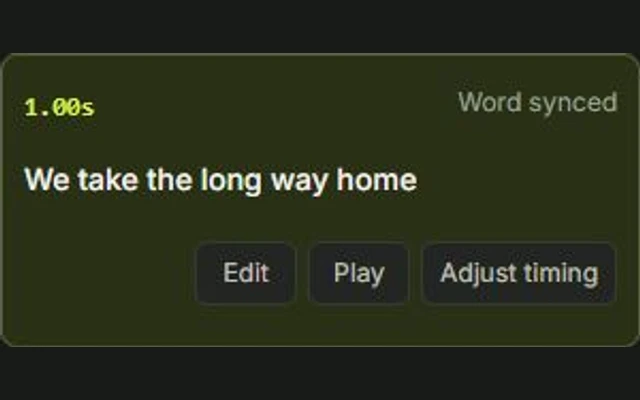
Add and Sync the Lyrics
Import a supported timed lyric file or enter the lyrics in Studio. Use the waveform and timing controls to correct words or lines that appear too early or too late.
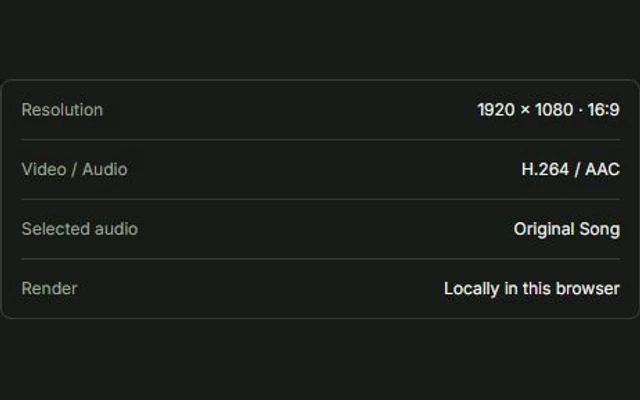
Style, Preview, and Export
Choose a karaoke style, play the video to check the highlighting, and export a watermark-free 1080p MP4 in a supported desktop browser.
A closer look at timing
Line Timing vs. Word-by-Word Highlighting

Not every timed lyric file contains word-level timing. A file may tell the editor when an entire line begins without specifying when each word starts. That is enough for line-by-line lyrics, but not for a classic karaoke highlight that moves across the words.
Line Timing
The full phrase appears together. Use line timing when you want readable lyrics without highlighting each individual word.
Word-by-Word Timing
The active word changes as the song progresses. Each word needs its own timing, which you can import when available or set and review in Studio.
Always preview the opening line, a verse transition, and the final line before exporting. Timing errors are easier to spot during playback than from the waveform alone.
Good to know
Karaoke Video Maker FAQ
Clear answers before you start creating.
Is Melsona's karaoke video maker free?
Manual editing and local 1080p MP4 export are free and do not require sign-up in supported desktop Chrome or Edge browsers. Optional cloud AI features are separate from the manual workflow and may require an account and Credits.
Can Melsona automatically sync lyrics to a song?
Plain text contains no timing information, so it cannot produce accurate word timing by itself in the manual editor. Import a supported timed lyric file or create and review the timing in Studio. If an AI transcription or alignment feature is available in your account, it is a separate workflow; review the result before exporting.
Which lyric file formats can I import?
Melsona supports LRC, SRT, VTT, and supported JSON lyric files. The timing available depends on the imported file. Line-timed subtitles do not necessarily include individual word boundaries, so review the preview when you need word-by-word highlighting.
Does the Karaoke editor remove vocals?
The manual Karaoke editor does not remove lead vocals. For a classic sing-along video, use an instrumental or backing track. If a separate Vocal Removal tool is available in your account, it is a distinct cloud-processing workflow, not part of manual editing.
Can I export a karaoke video without installing software?
Yes. Melsona runs in your browser. Local MP4 export requires compatible browser support for H.264 video and AAC audio. Desktop Chrome or Edge is the recommended workflow; keep the page open while rendering.
Are my projects saved online?
No cloud project library is implied by the local editor. When saving succeeds, the draft is stored in this browser. It is not automatically synced across devices, and clearing browser data may remove the draft and its media.
Ready when you are
Let every word find its rhythm.
Make a karaoke video that feels like your song.