

Your song. A world of its own.
Lyric
Video Maker
Keep your song's original vocals and bring the lyrics on screen. Adjust line timing, typography, and placement, choose a background, then preview and export a watermark-free 1080p MP4.
Checking your local draft…
- No watermark
- In your browser
- 1080p MP4

Type, timing, atmosphere
Your words.
Your visual style.
See how typography changes the song. These frames use real Lyric Video templates, with custom backgrounds and demo lyrics.
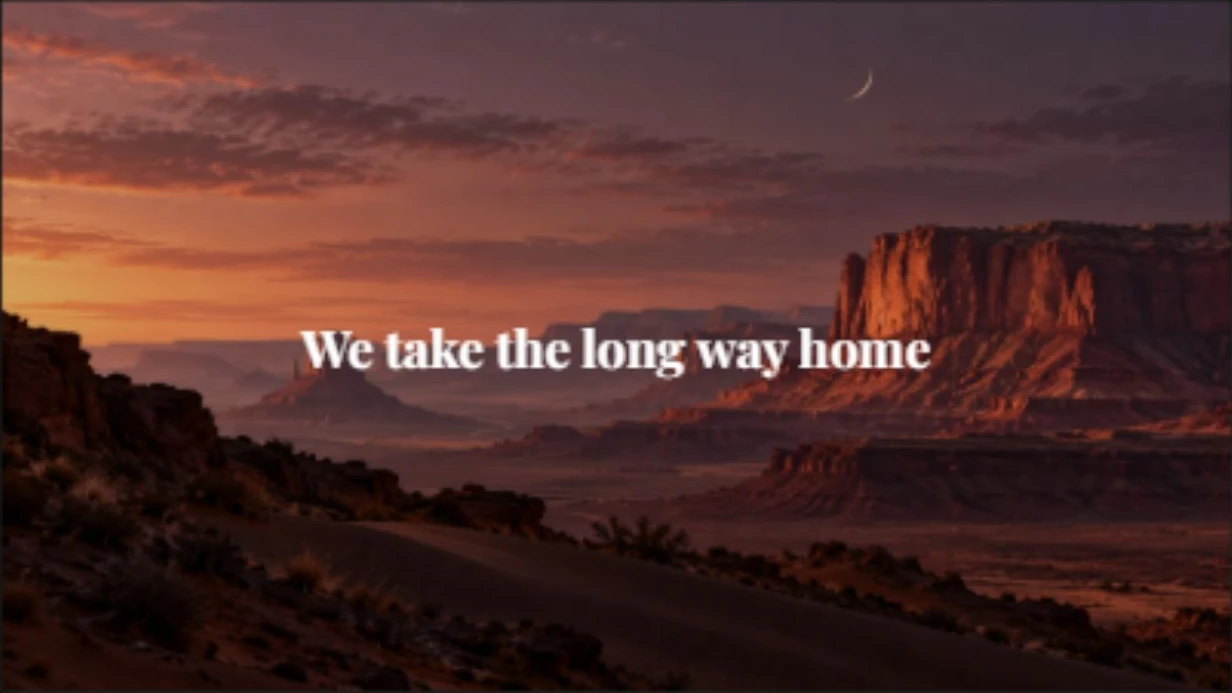
Minimal Lyric
Centered serif lyrics and a cinematic backdrop.

Dynamic Lyric
Bold whole-line lyrics with a clean blue palette.
Real Studio renders · demo lyrics and demonstration backgrounds, not customer submissions.
The creative workspace
Let the lyrics
lead the frame.
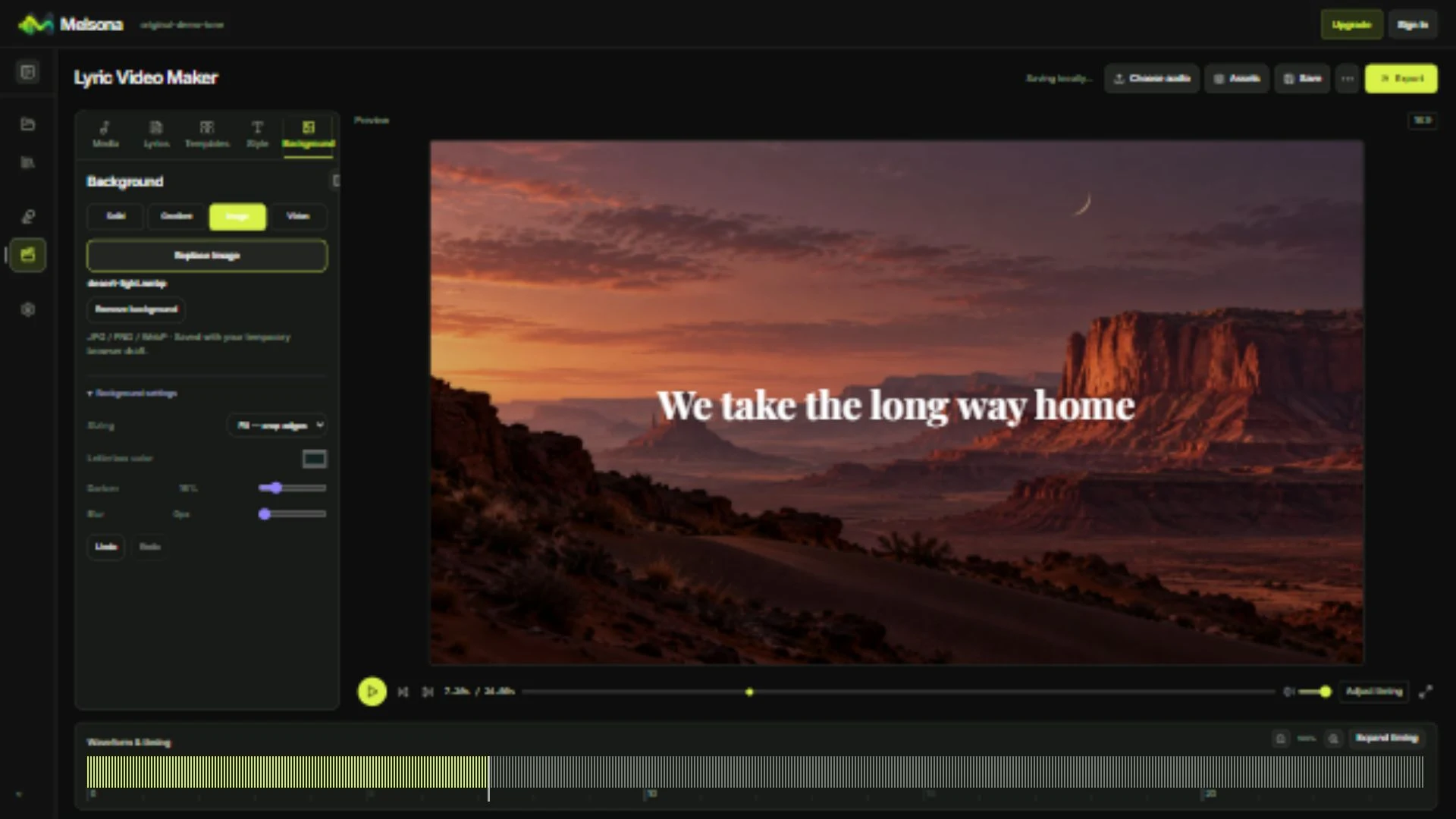
Fine-tune lyric timing, adjust typography, choose a background, and preview the result in one focused workspace.
Explore the Studio- Import LRC, SRT, VTT, or supported JSON lyrics.
- Edit lines and word timing against the waveform.
- Adjust fonts, color, placement, and backgrounds.
- Preview before local 1080p MP4 export.
Made for singing along
Put every word
in the spotlight.
Making a sing-along version? Use Karaoke mode for word-by-word highlighting over your instrumental or backing track.
Explore Karaoke Video Maker
Simple by design
How to Make a Lyric Video
From your song to a video, with control over the details.
Add Your Song and Lyrics
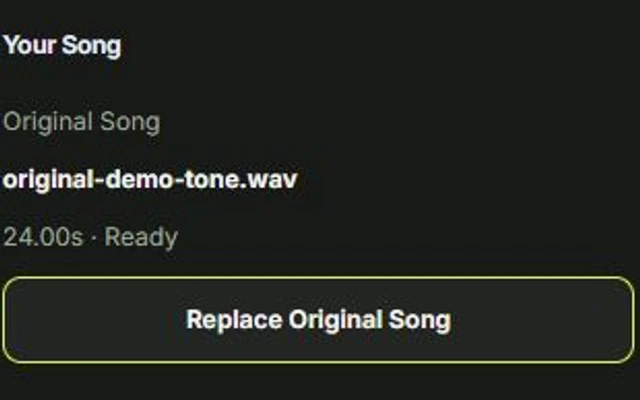
Upload a song you have permission to use. Import a supported lyric file or add the lyrics in Studio.
Time and Style Each Line
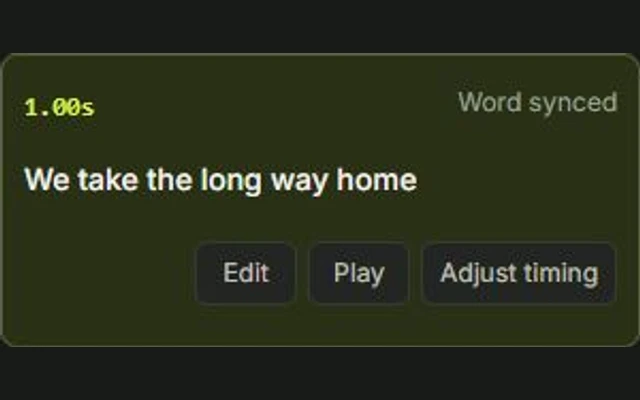
Adjust when the lyrics appear, choose the font and placement, and select a background that suits the song. Preview the result as you work.
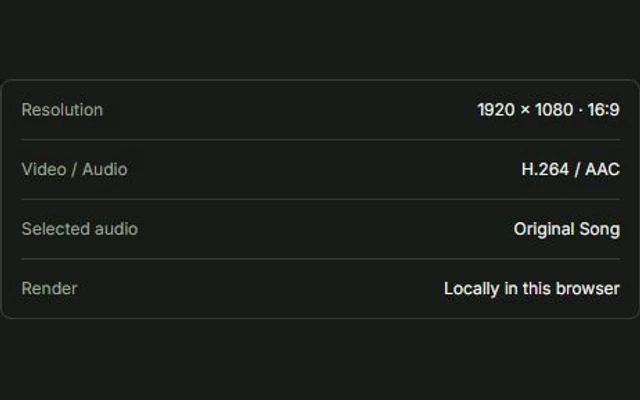
Review the Full Video and Export
Check the opening, verse changes, and final line. Export a watermark-free 1080p MP4 in a supported desktop browser.
Make every line readable
Three Checks for a More Readable Lyric Video
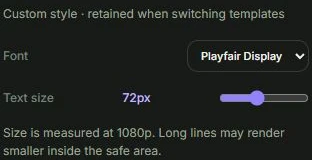
Break Lyrics at Natural Phrases
Keep each line short enough to read while the song plays. Break lines at natural phrase boundaries rather than squeezing a long sentence into one frame.
Match Each Line to the Vocal
Adjust the start and end of a line to match the sung phrase. Preview pauses and transitions between verses, not just the opening line.
Keep the Text Clear Against the Background
Check the lyrics over the brightest and darkest parts of the background. Adjust text color, placement, or shadow when needed; a simpler background can be more readable than a busy one.
A good lyric video is not just animated text. The words need to be readable, timed to the song, and visually consistent from the first frame to the last.
Good to know
Lyric Video Maker FAQ
Clear answers before you start creating.
Can I make a lyric video with my song's original vocals?
Yes. Lyric Video mode keeps the original audio by default, including the vocals. Upload music and lyrics you have permission to use.
Do I need a timed lyrics file?
No. You can add lyrics in Studio and adjust the timing manually. A timed lyric file can provide a starting point, but untimed text does not automatically become synchronized just by being imported into the manual editor.
Can I customize fonts, text placement, and backgrounds?
Yes. Use the available text styling controls to adjust the lyric appearance and placement. Choose from supported solid-color, gradient, image, or video backgrounds, then preview the composition.
What is the difference between a lyric video and a karaoke video?
A lyric video emphasizes readable lyrics and the visual mood of the song while keeping the original vocals. Karaoke mode focuses on sing-along timing and word-by-word highlighting, usually with an instrumental or backing track. Both use Melsona Studio.
Is Melsona's lyric video maker free and watermark-free?
Manual editing and local 1080p MP4 export are free without sign-up in supported desktop Chrome or Edge browsers. Export requires compatible H.264/AAC encoding and the page must remain open during rendering.
Ready when you are
Let every word find its rhythm.
Make a lyric video that feels like your song.